
Screenshots
App details
- Updated
- Jul 3, 2020
- Language
- Spanish,English
- Developer
- F-Secure Corporation
- Category
- Mobile
SoftPas in:
This product is also available in the following languages:
About F-Secure Internet Security
Download F-Secure Internet Security – antivirus, malware protection, firewall, spam filter, parental control, online safety, digital security, internet security, computer protection, secure browsing
Overview
F-Secure Internet Security is a comprehensive digital protection suite designed for Windows users seeking robust defense against evolving online threats. The application functions as a multi-layered security solution, addressing critical concerns such as viruses, malware, spam, and unauthorized network access. It is particularly suited for individuals and families who prioritize a secure computing environment while navigating the internet daily. The software aims to eliminate the anxiety associated with digital threats by providing continuous monitoring and real-time response mechanisms.
Targeted at home users and small office environments, F-Secure Internet Security offers a balanced blend of protection and usability. Its features are structured to support both technical and non-technical users, ensuring that essential security functions are accessible without requiring in-depth knowledge of cybersecurity. The developer, F-Secure Corporation, is a well-established name in the security industry, known for its focus on proactive threat detection and global threat intelligence. This reputation adds credibility to the product’s effectiveness and reliability.
Real-world use cases include protecting personal financial data during online banking, safeguarding children from inappropriate content, and preventing email-based phishing attempts. In the broader app ecosystem, F-Secure Internet Security plays a vital role in maintaining user trust in digital platforms by reducing the risk of data breaches and system compromise. Its daily update cycle ensures that protection remains relevant in a rapidly changing threat landscape.
Key Features & Functionality
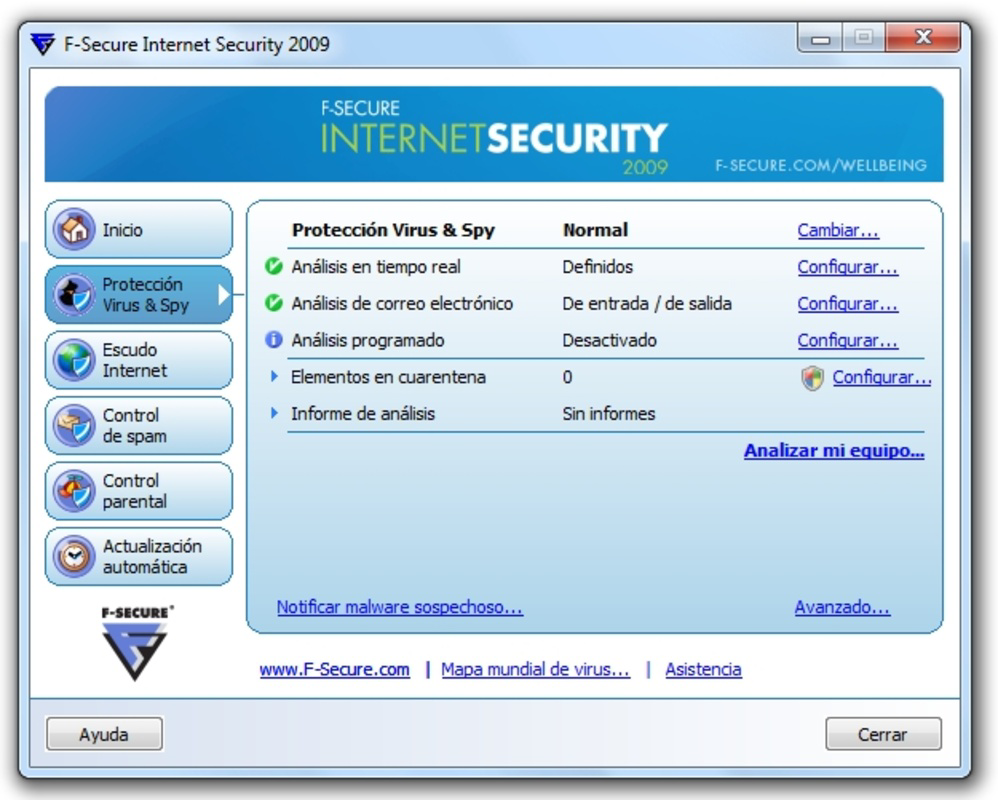
- Real-time Antivirus Protection: The antivirus engine runs continuously in the background, scanning files, downloads, and email attachments as they are accessed. This prevents malicious code from executing before it can cause harm, offering immediate defense against known and emerging threats.
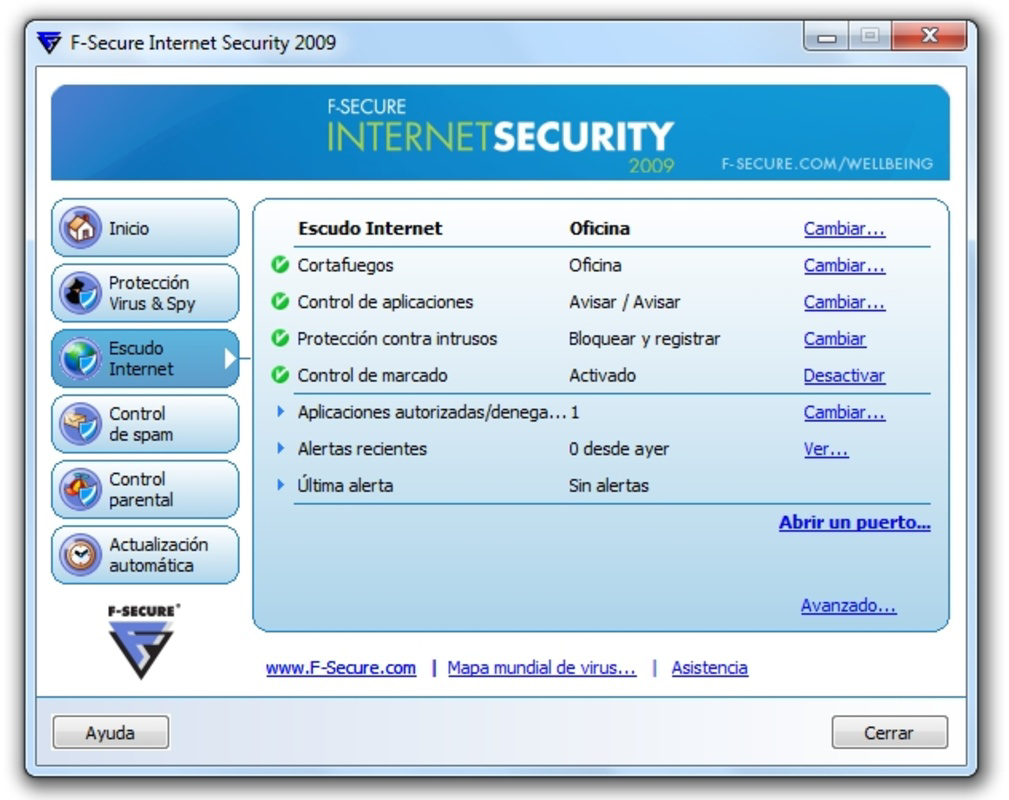
- Customizable Firewall: Users can configure multiple firewall profiles tailored to different network environments—such as home, public Wi-Fi, or work. This allows for granular control over which applications can access the internet, reducing exposure to network-based attacks.
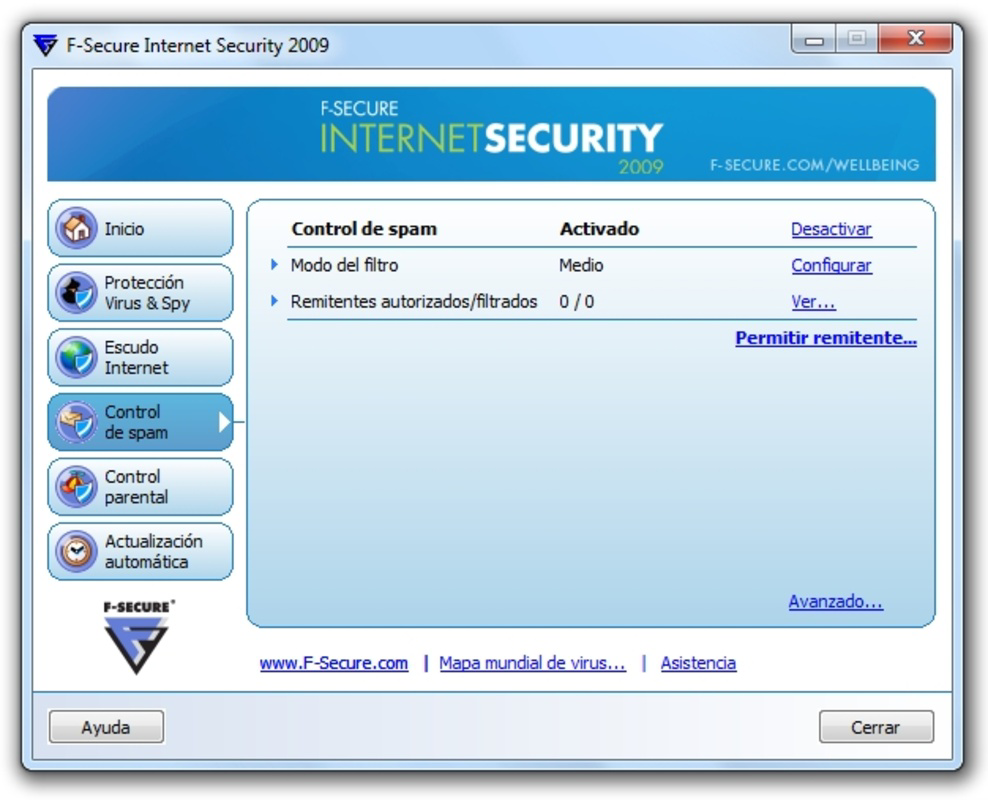
- Effective Spam Control: The spam filter uses adaptive algorithms to classify incoming emails based on severity. It learns from user behavior and adjusts filtering levels dynamically, minimizing false positives while blocking unwanted messages and phishing attempts.
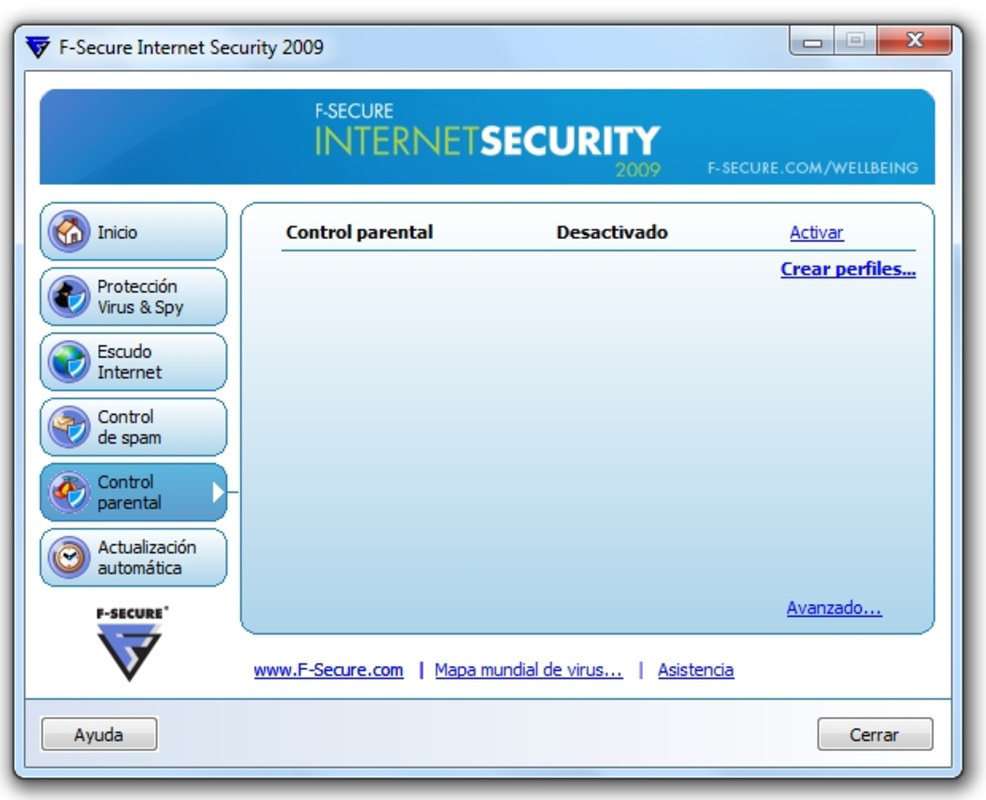
- Parental Control Options: Families can create individual profiles for children and teens, setting time limits for internet usage and restricting access to specific websites or content categories. This feature supports safe browsing habits and helps parents maintain oversight without constant supervision.
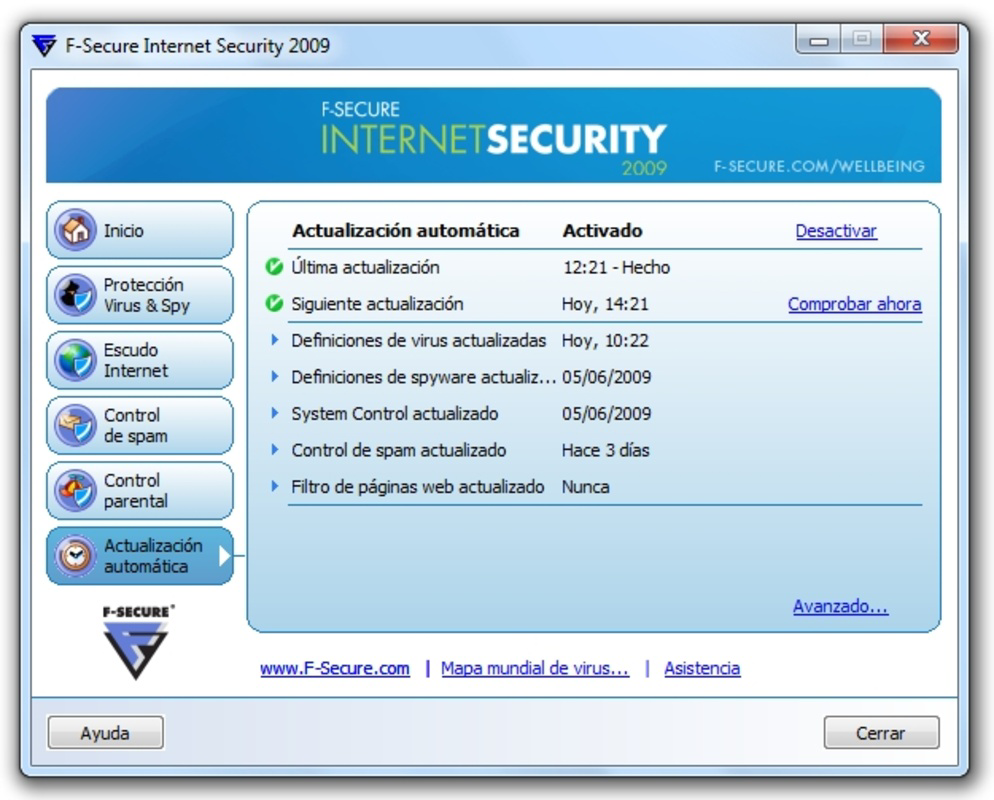
- Daily Security Updates: The software receives updates every 24 hours, ensuring that virus definitions, threat signatures, and detection logic remain current. This proactive update mechanism is essential for defending against zero-day exploits and newly discovered malware variants.
These features collectively address common digital risks. For example, a parent using the parental control and spam filter can reduce their child’s exposure to harmful content and fraudulent messages. Similarly, a remote worker relying on public Wi-Fi benefits from the customizable firewall and real-time scanning to protect sensitive data.
Interface, UX & Performance
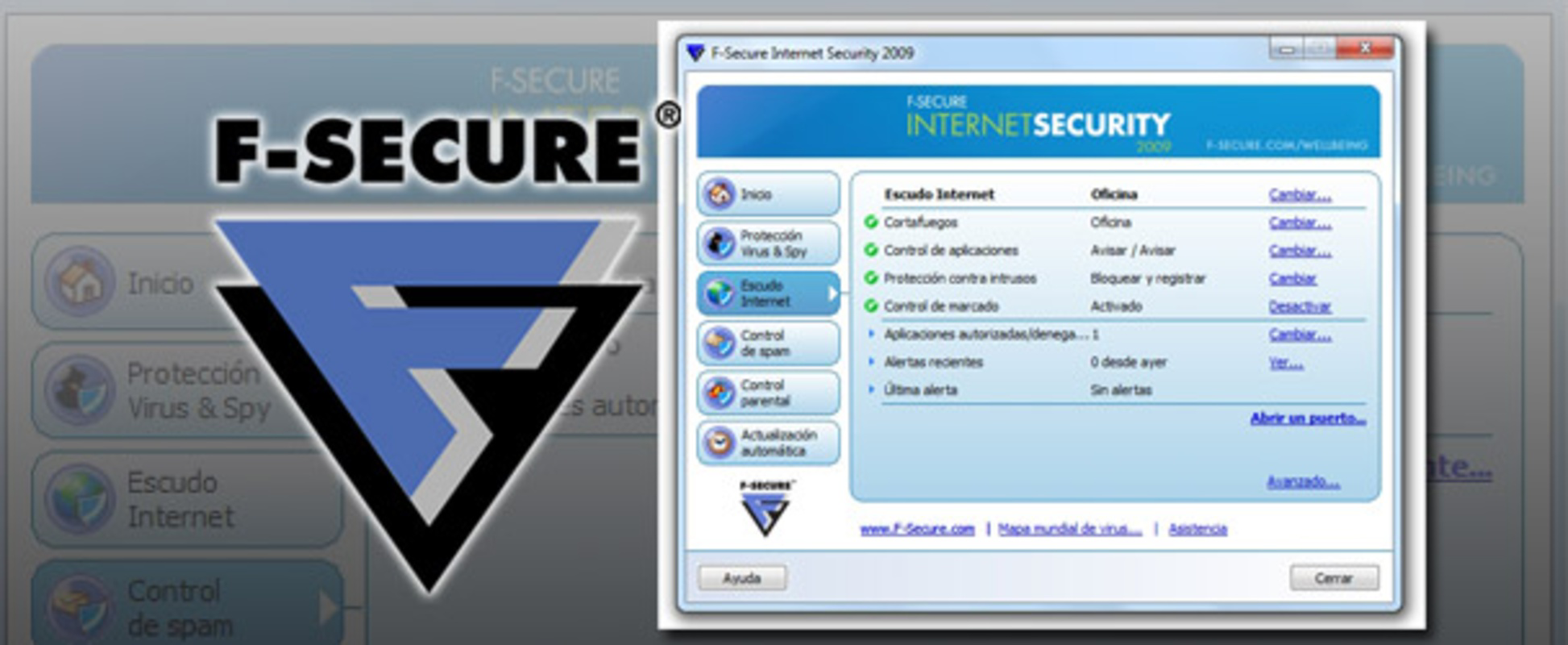
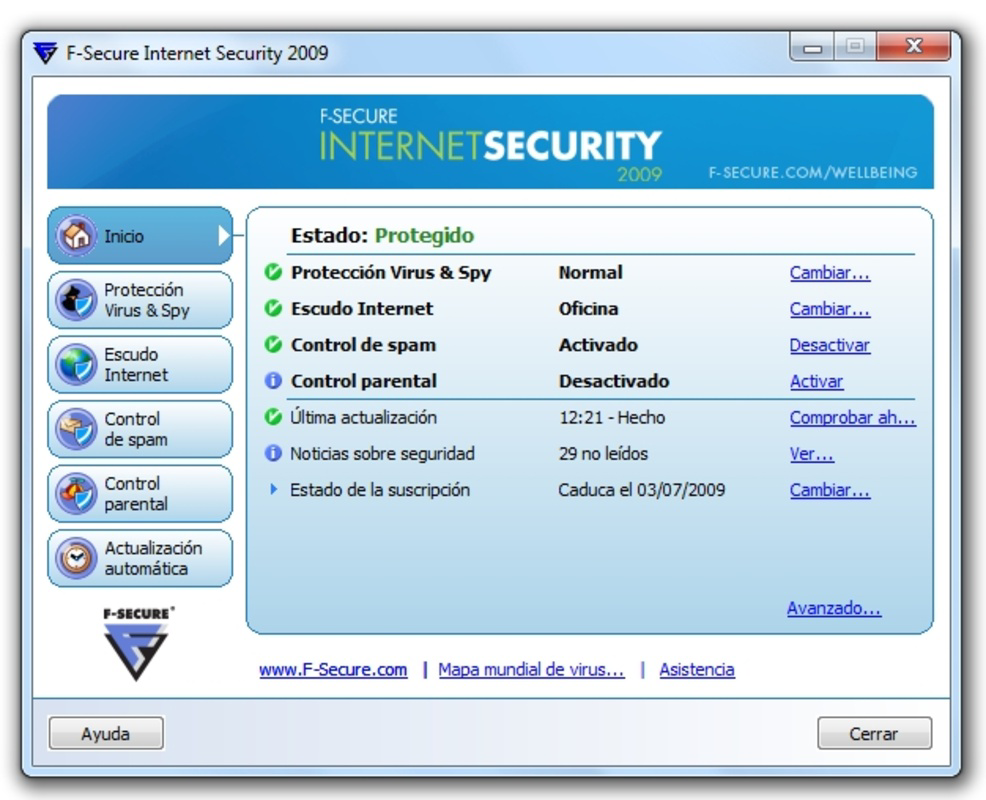
F-Secure Internet Security features a clean, intuitive interface designed for ease of navigation. The main dashboard presents key security statuses—antivirus, firewall, and protection levels—with clear visual indicators. Users can access detailed settings through a well-organized menu system, minimizing the need for technical expertise.
Navigation is linear and consistent, with logical grouping of features under clear headings. The design emphasizes clarity over complexity, reducing the likelihood of user error. While the developer did not list formal performance metrics, the application operates efficiently in the background, with minimal impact on system resources during regular use.
Although the developer did not list formal performance metrics, the software is designed to maintain stability across a range of Windows systems. It responds promptly to detected threats and integrates smoothly with the operating system’s security framework. Users can expect consistent responsiveness during scans and updates, even on devices with moderate hardware specifications.
Platform Compatibility & Technical Requirements
F-Secure Internet Security is available exclusively for the Windows platform. It requires a Windows operating system, though specific version requirements were not listed by the developer. The application has a file size of 1.3 GB, which reflects its comprehensive security engine and extensive threat database.
Compatibility information was not fully disclosed, so users should verify system compatibility with their current Windows version. The software is designed to run on standard desktop and laptop configurations, but the developer did not specify minimum RAM, processor, or disk space requirements. Installation and operation may vary depending on the underlying system environment.
Pros and Cons
Pros
- Comprehensive protection against viruses, malware, and spam
- Real-time scanning and daily threat updates ensure up-to-date defense
- Customizable firewall supports different network environments
- Parental control features help safeguard children online
- Intuitive interface suitable for non-technical users
Cons
- Specific system requirements were not disclosed
- Price point may be high for casual users
- Only available for Windows, limiting cross-platform use
- Developer did not provide performance benchmarks
- No mobile or macOS versions available
FAQ
Is F-Secure Internet Security safe to install?
Yes, F-Secure Internet Security is developed by a reputable cybersecurity company and is distributed through official channels. It is designed to protect your system without introducing additional risks.
How often does the software update?
The software receives daily security updates to ensure protection against the latest threats, including new malware variants and phishing tactics.
Can I use F-Secure Internet Security on multiple devices?
While the product is designed for Windows, the developer did not specify multi-device licensing details. Users should consult the official documentation for licensing terms.
Does the app slow down my computer?
Although the developer did not provide performance benchmarks, the application is engineered to operate efficiently in the background with minimal impact on system performance.
Is there a free version available?
F-Secure Internet Security is a paid application priced at $39.99. There is no free version or trial period mentioned in the provided information.
Final Thoughts
F-Secure Internet Security delivers a strong, reliable defense for Windows users concerned about online safety. Its combination of real-time antivirus, adaptive spam filtering, customizable firewall, and parental controls makes it a powerful tool for both individual and family use. While the price may be a consideration for some, the depth of protection and daily update cycle justify the investment for those prioritizing digital security.
Users who frequently handle sensitive data, work remotely, or have children online will benefit most from its comprehensive features. The clean interface and automated threat response reduce the burden on users, making security accessible without technical overhead.
For anyone seeking a dependable, proactive security solution on Windows, F-Secure Internet Security stands out as a trustworthy choice. Download F-Secure Internet Security now.
Guides & Tutorials
How to install F-Secure Internet Security
- Click the Download button above.
- Once redirected, accept the terms and click Install.
- Wait for the F-Secure Internet Security download to finish on your device.
How to use F-Secure Internet Security
This software is primarily used for its core features described above. Open the app after installation to explore its capabilities.
User Reviews
No reviews yet. Be the first to share your experience.
You may also like
more
Que no te pillen¡
About !Que no te pillen¡Reviewed by Jason A. BilbreyShow MoreShow Less

3D Combat Zone
About 3D Combat ZoneOriginally released in 1983, 3D Combat Zone immerses players...

666: El día del portal
About 666: El día del portalOn June 6, 2006, Agent P. Stone uncovers a sinister...

80 in 1 Best Flash games
About 80 in 1 Best Flash games 80 in 1 Best Flash games is a collection of 80 fl...

ABYSS SEEKERーーWhat Do You See Deep in The Abyss
About ABYSS SEEKERーーWhat Do You See Deep in The AbyssIn ABYSS SEEKER, players...

ACA NEOGEO THE KING OF FIGHTERS 2002 for Windows
About ACA NEOGEO THE KING OF FIGHTERS 2002 for WindowsTHE KING OF FIGHTERS 2002,...